Create Custom Technician Shop
This document will describe how an admin can create a new technician shop within TimeAi.
Only an admin can create a new technician shop!
Ensure the selected dealership is the correct dealership that the new technician shop should be created under.

Navigate to the Administration section on the TimeAi dashboard by clicking the Administration icon at the top right of the page.

Click the 'TECHNICIAN ROLES' tile. The 'Technician Roles Mapping' page will be shown.

At the top of the Technician Roles Mapping page, click the 'ADD NEW TECHNICIAN SHOP' button to begin the process to create a new technician shop.

Add Technician Shop
The 'Create Technician Shop' pop-up will be shown. Enter the shop's name and click 'SAVE'.

The new shop will be added at the end of the current shops on the mapping page.

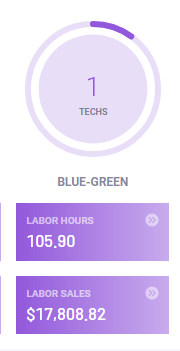
Technicians can now be added to the shop. The shop and the moved technicians will show up on the Service dashboard after configured.