Remove An Op Code from a Group
This document will describe how to remove a tracked op code from an op code group in the 'Tracked Op Codes' administration page in TimeAi.
Only an admin can remove track op codes!
First, navigate to the Op Codes page on the TimeAi dashboard.
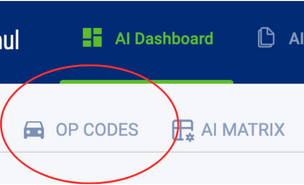
The 'Op Codes Tracking' page is within the Administration section. Click the 'Edit Tracked Op Codes' button to go to the 'Op Codes Tracking' page.
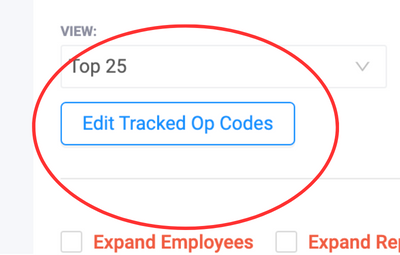
Op Codes Tracking Administration
At the top of the Op Codes Tracking administration page, there will be a list of op code groups. Select the desired op code group to view the group's tracked op codes.
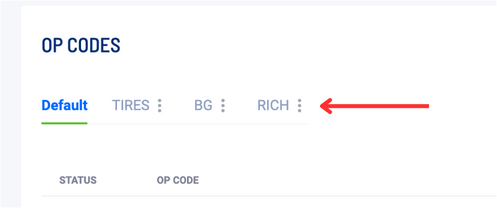
Remove Tracked Op Code from an Op Code Group
A table of tracked op codes will be shown. The 'Status' column on the very left will disable the op code from being shown within the Op Codes dashboard. Disabling the op code with this toggle will allow the op code to remain in the op code group but not be shown in results. It can be re-enabled later.
If the op code needs to be removed from the group, it can be deleted on the right-most column, 'Delete'. Click the trashcan icon on the row of the op code that should be deleted.

A new window to confirm the deletion of the op code from the group will be shown. Click 'Yes' to remove it from being tracked in the op code group.
