Create An Op Code Group
This document will describe how to create an op code group within TimeAi.
Only an admin can create an op code group!
Ensure the selected dealership is the correct dealership that the new op code group should be created under.

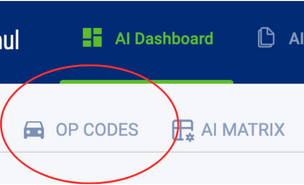
First, navigate to the Op Codes page on the TimeAi dashboard.
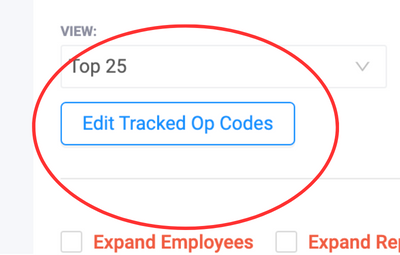
Click the 'Edit Tracked Op Codes' button to go to the Op Codes Tracking page.
Op Codes Tracking Administration
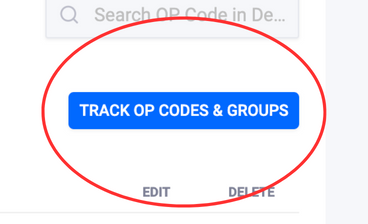
The Op Codes Tracking page is within the Administration section. On the right, click the blue 'Track Op Codes & Groups' button. This will display a new window where a new group can be created.
Create an Op Code Group
Click the 'Group Name' drop-down to focus that selection. Begin typing the desired name of the new op code group. Then click "Create Op Code Group" (should be highlighted in green).
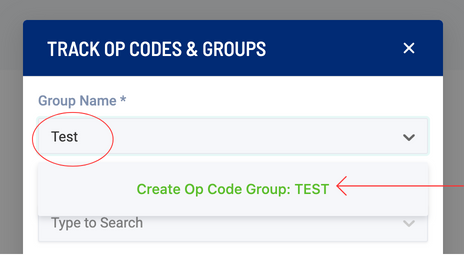
The new op code group will be created. The drop down below will request an op code to be assigned to the newly created Op Code group.
The new op code group will be shown in the list within the administration page as well as the Op Codes page under the View section.